Goals let you define a measurable outcome with a deadline so you and your team can track progress toward a specific result (e.g., add 6 agents, send 5 queries). They help break large work into manageable, time-boxed steps.
Goal Setting:
Set goals for all three phases of querying to stay on track from start to finish:
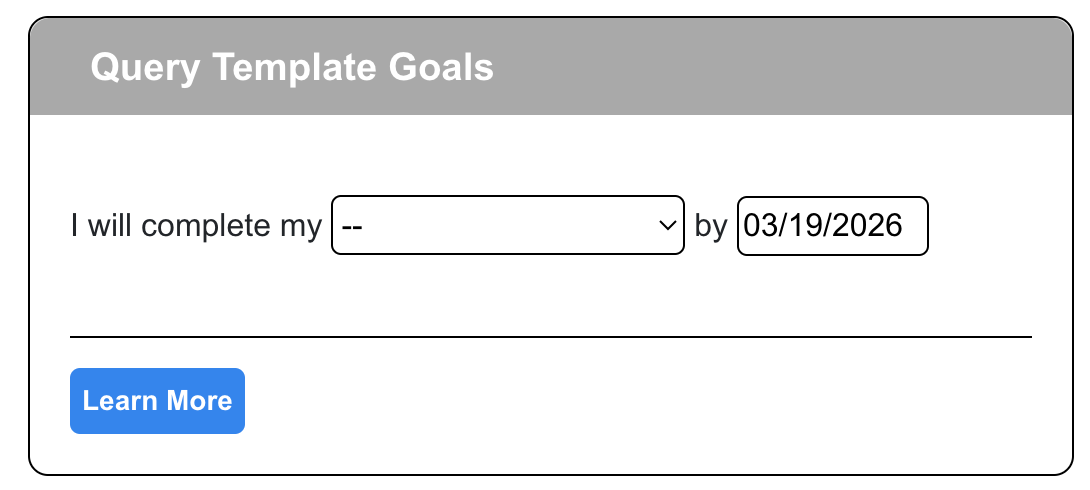
- Query Template: set goals to help write your materials, such as your query letter, synopsis, and more.
- Agent List: build your agent list in organized phases
- Querying: send out organized batches of materials
To set a goal:
- From the sidebar > click the "Project" menu item > click "Goals"
- On the "Goals" page, select the tab for the goal you wish to set. This includes query template goals, agent goals, or query goals
- Create the goal by selecting the goal type or setting the goal number value, then select the ending date
- Click the "Save & Begin Tracking Goal" button. The clock for your goal will begin!
To mark a goal as complete:
- Once the goal has been started, you can mark it complete at any time by clicking the "Mark Goal Complete" button
Set A Reward:
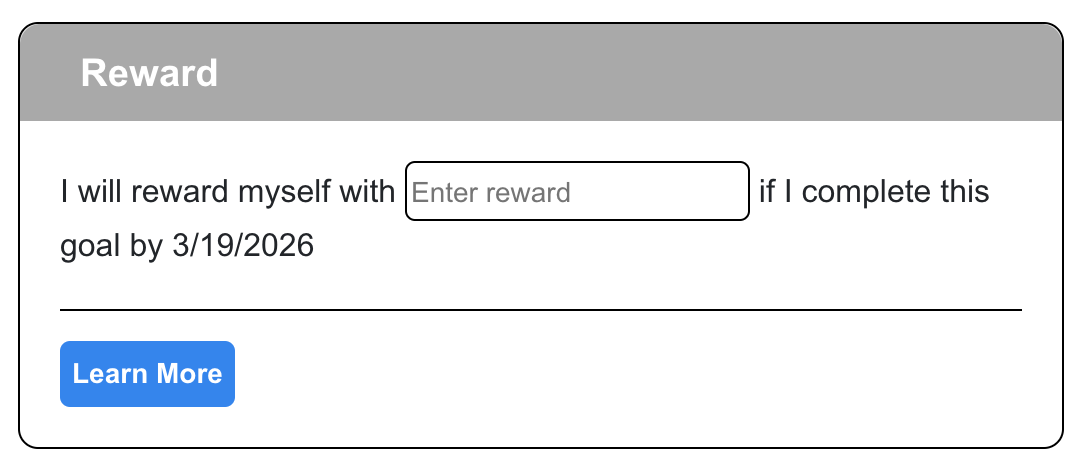
Next, set a reward. Rewards are optional, but can help keep you motivated. Querying can be a long loop of package creation drudgery, waiting, and rejection. Flip the script by providing rewards for yourself and avoid query fatigue.
To set a reward:
- In the "Reward" section, add your reward
- When you save your goal, you will also save your reward
- Tips:
- Keep goals simple.
Use realistic deadlines and document any redemption process for rewards.
Review missed goals to adjust scope or timing — missed deadlines are data, not failure.
How Progress Is Calculated:
Day counting: The app measures whole calendar days (midnight-to-midnight) and treats start and end dates as inclusive, so a goal starting Mar 1 and ending Mar 10 counts as 10 days.
Was this article helpful?
That’s Great!
Thank you for your feedback
Sorry! We couldn't be helpful
Thank you for your feedback
Feedback sent
We appreciate your effort and will try to fix the article